
Slingshot Bio
Roboto converged Slingshot Bio's WordPress and Shopify sites into one headless Shopify build on Next.js and Sanity, instrumented end to end and AI-ready.
View case study


From WordPress to Framer
Last verified:
The process
First we check the existing WordPress and see whether the data is clean enough to move straight over to Framer, and plan around any auth walls or bot protection in the way.
Then we work out how WordPress renders its pages and pull the content out, even without CMS access.
Everything extracted runs through our sanitization pipeline, which flags slop, normalizes structure, and leaves us clean content to work with.
Before anything moves, we agree the Framer content model with you, shaped around how your editors actually work.
We transform the content to the agreed schema and run a full dry run, so mappings and edge cases prove out before production.
Once the dry run is clean, everything moves into Framer in one controlled cutover.
Every old URL gets mapped to its new home with the right redirect, so rankings and link equity survive the move.
Finally, automated browsers sweep the new site for data issues, design regressions, and missing SEO signals.
Key pain points
Talking trash about WordPress is therapy at this point. We've had to build it for years, and it's consistently awful. I guarantee that if you have used it for long enough, you've experienced a site-breaking PHP error or been locked out of your admin panel due to a faulty plugin. We know the world of horrors, and we regret adding to that share of the web. Yes, it really does power over 40% of all sites, roughly 41.5% at the last count.
Potential security vulnerabilities
Core, plugins and themes all need regular patching, and some fixes aren't yours to make. In October 2026, PHP2Shell left WordPress sites exposed until they or their host updated PHP, and WordPress.org said no WordPress update was planned.

Heavy reliance on plugins
If you want any new feature, install a new plugin. Before you know it, your site is held together by 27 plugins and a prayer that none of those plugins are removed from the market.
Compatibility issues
Themes, plugins, and core updates sometimes play nicely together, leading to surprise breakages and debugging sessions you didn’t plan for.
Maintenance takes time
WordPress doesn’t run itself. You have to run backups, security patches, plugin conflicts, and random errors. Someone has to tuck it in at night.

Performance needs tuning
WordPress sites need caching, CDN, and database optimization to stay fast, especially if you plan to scale.
Customization has limits
You think you can do a lot with themes and plugins, but when it comes to custom experiences, it means custom dev work (or going headless entirely).
Key advantages
If you live in Figma all day, Framer is the right choice for you. You can import your layouts, tweak a few interactions, hit publish, and suddenly you’ve "built a website" without ever opening VS Code. The no-code editor is fast, the animations look like you actually care about UI, and the built-in hosting + global CDN means you never have to touch a server or pretend you know what an SSL certificate is.
Multiple people can jump in, rewrite copy, adjust layouts, and preview the site instantly in real time with zero handoff pain, and "can you push this to staging?" nonsense. The SEO defaults are strong, images automatically behave, and performance is fast without you having to obsess over Lighthouse scores.
Can't knock the service, but we're here when you're looking to build something more scalable.
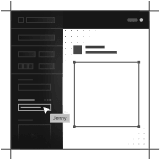
Ability to control layout with drag and drop
You can drag, drop, and publish without the need for any developer or having experience in website development. With Framer, you can easily turn your mockup into a working page.
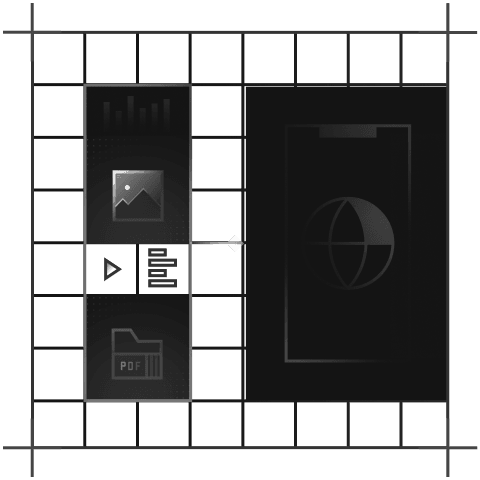
Quick and cheap to build something
If you need a site yesterday (and on a budget), go ahead with Framer. You can go from a Figma-level idea to a live marketing page in a few hours without writing any code or having developers wait on stand-ups.
Some optimization comes by default
Framer quietly handles things like image compression, semantic markup, and basic SEO hygiene. You ship quickly, and the site doesn't fall apart in Lighthouse analyses.
Huge library of themes
You can pick a template, tweak a few components, and you’re basically done. Its theme library is stacked, and most of it looks "portfolio ready" right out of the box.
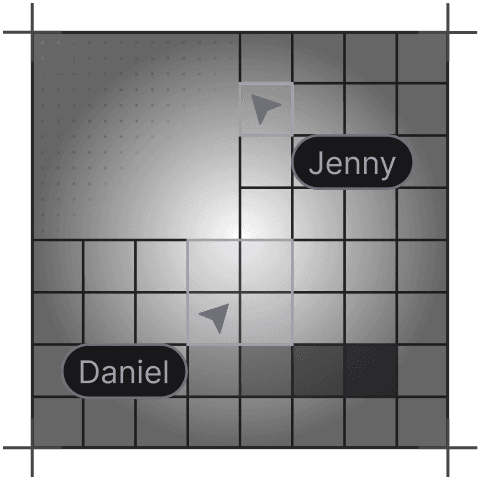
Real-time team collaboration
Multiple people can jump in, edit, comment, and tweak designs live like Figma. It speeds up feedback loops and kills the endless back-and-forth.
Intuitive, designer-friendly UI
If you know your way around Figma, you’ll be able to use Framer without any difficulty. Framer’s interface is simple, and keeps designers moving without begging a developer for help.
Tell us what you're building. We reply within one working day. Jono or someone on the team picks up every message personally.
Join the growing list of successful migrations