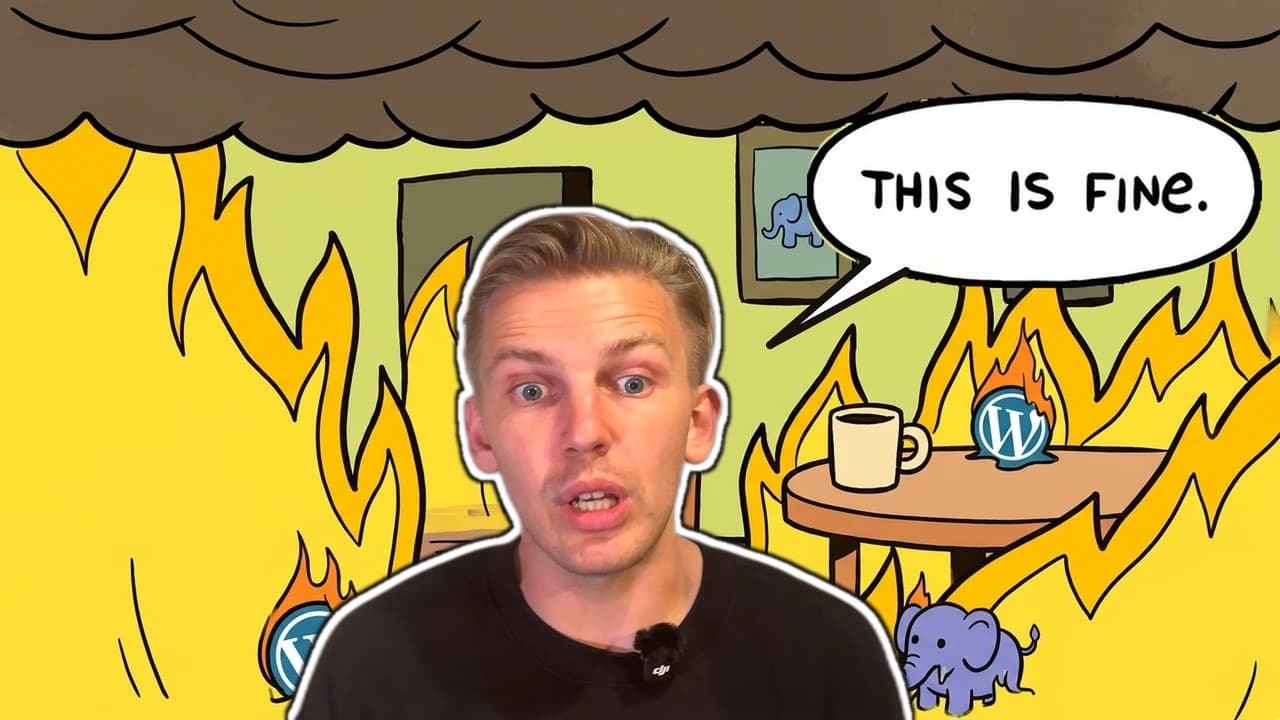

On October 21, 2026, the PHP project shipped fixes for two critical vulnerabilities now known as PHP2Shell. CISA put out an alert the same day (opens in new tab) urging everyone to patch. WordPress runs on PHP, so a WordPress site on an unpatched PHP version is exposed. The bug is in PHP, though, not in WordPress. That doesn't make you any less screwed though.
We build sites on Next.js with a headless CMS, so we obviously have a horse in this race. This post covers what PHP2Shell is, what WordPress site owners should do this week, the critical bugs Next.js has had, and how WordPress compares to a headless CMS. If you only need the fix, skip to what to do this week.
We also recorded our take on PHP2Shell as a video. The transcript is on the video page.
Loading video player…
PHP2Shell lets an attacker with no account run code on a PHP server
PHP2Shell covers two CVEs. According to Tenable's PHP2Shell FAQ (opens in new tab), the PHP security team rates both CVSS v4 9.2 and says both can allow unauthenticated remote code execution.
| CVE | What goes wrong | CVSS v4 |
|---|---|---|
| CVE-2026-109618 | Memory corruption when PHP runs out of memory while request data is only partly set up | 9.2 |
| CVE-2026-109619 | Use-after-free, where state left over from one request points to freed memory that a later request on the same worker uses | 9.2 |
CISA says the flaws "affect all PHP installations serving web requests." PHP lists PHP-FPM, Apache with mod_php, php-cgi, FrankenPHP and LiteSpeed, and rates mod_php as the highest risk. The attacker does not need an account on your site.
The bug is old. Tenable cites Calif's technical writeup, which traced the earliest affected code path to PHP 5.4.0. The fixed versions are 8.5.12, 8.4.27, 8.3.36 and 8.2.35. The PHP security team also published minimal source backports for PHP 7.4 through 8.1 for people who build PHP themselves. PHP 5.4 through 7.3 get no fix from the PHP project.
Tenable quotes W3Techs putting PHP on 69.3% of websites whose server-side language is known. W3Techs also puts WordPress (opens in new tab) on 58.3% of websites whose content management system it can detect, which works out to 39.6% of all websites. So nearly 40% of all websites are in a pretty bad spot.
Exploitation reports differ
The sources disagree on whether PHP2Shell is being exploited at scale. CISA said on October 21 that it "has not observed exploitation of these vulnerabilities as of the time of publication." Tenable reports that Amazon Threat Intelligence saw an exploitation attempt on October 17, four days before disclosure, and now says PHP2Shell is being broadly exploited. The fix is the same either way, so patch.
It is a PHP flaw, so updating WordPress fixes nothing
The WordPress.org security notice (opens in new tab) says the vulnerabilities "are not specific to WordPress and affect any server that hosts a PHP application. No WordPress update is required or planned for these issues."
WordPress core did nothing wrong here, and updating WordPress will not fix it. A WordPress site on an unpatched PHP version is still exposed, because the bug sits underneath WordPress. Tenable reports that Calif confirmed pre-authentication remote code execution against specific versions of WordPress, Drupal, Joomla and Magento.
WordPress ships its own security fixes on a regular schedule. WordPress 7.1.3 (opens in new tab), released on October 6, 2026, carried seven security fixes, and sites that support automatic background updates install it on their own. None of that helps this time. The weak point is the PHP runtime, and a WordPress update does not touch it.
What to do this week if you run WordPress
At our team meeting the day after disclosure, our advice for one of our own WordPress clients was the same: keep PHP up to date in the meantime.
- Check your PHP version. In WordPress, go to Tools, then Site Health, then Info, then Server. Most hosting panels show it too.
- Get onto a fixed version, meaning PHP 8.5.12, 8.4.27, 8.3.36 or 8.2.35 or later. On managed hosting, your host may already be rolling this out. Ask them to confirm it in writing. Don't assume.
- Check distribution packages properly. Tenable notes that Linux distributions and LTS vendors received the patches in advance. If you install PHP from your distribution, check your vendor's advisory, because a backported fix may not change the version number you see.
- Treat PHP 8.1 or older as an emergency. WordPress.org notes that versions before 8.2 no longer get security updates from the PHP project. CISA says organizations that cannot update immediately, or that still run PHP 8.1 or earlier, should take PHP-based systems offline until they can be patched or updated.
- Use a firewall as a stopgap only. CISA says a web application firewall "may provide some protection until systems are updated or patched." Cloudflare has deployed WAF rules and calls them a stopgap. Tenable notes the PHP security team says updating is the only complete fix.
If you run headless WordPress with a Next.js front end, the same steps apply to the WordPress server. The front end does not run PHP, but the WordPress admin and API behind it do.
Next.js has had critical CVEs too
Moving to Next.js does not make security bugs go away, and we're not going to pretend it does.
- In December 2025, Next.js published an advisory (opens in new tab) for CVE-2025-66478, a critical flaw in the React Server Components protocol rated CVSS 10.0, that "can allow remote code execution when processing attacker-controlled requests in unpatched environments." It affected App Router apps on Next.js 15.x, 16.x and 14.3 canary releases. The advisory said "There is no workaround" and told teams that were online and unpatched to rotate their secrets.
- In March 2025, CVE-2025-29927, a middleware authorization bypass (opens in new tab) rated CVSS 9.1, was fixed in 15.2.3, 14.2.25, 13.5.9 and 12.3.5. The advisory notes that deployments hosted on Vercel were automatically protected.
- In January 2026, CVE-2026-23864, a high-severity denial of service bug, hit React Server Components across Next.js 13 to 16. We wrote up how to patch CVE-2026-23864 at the time.
Choosing Next.js changes where your code runs and who patches it. It still gets critical bugs, and you still have to deploy the fixes.
A monolith puts everything behind one runtime
On a classic WordPress site, one PHP application does everything. It renders public pages, runs the admin, stores content in a database and executes every plugin you install. A hole in the PHP runtime exposes all of it. Patching means updating PHP on the server, which your host does on managed hosting and you do on your own server.
On a headless CMS with Next.js, the pieces are split. A hosted CMS such as Sanity or Contentful runs the content backend, so patching their servers is their problem, not yours. As we say in the video, a vendor like Sanity has lots of enterprise clients it can't afford to let down. Your Next.js front end is an npm dependency that you upgrade and redeploy. Pages built at build time are static files served from a CDN, so there is no PHP, and no request-time code of yours, behind those pages. Server-rendered routes and Server Functions still run code, and those are the parts the Next.js CVEs above affected.
That split has a cost. You now have two systems to understand, a build pipeline and a developer in the loop for template changes. For some teams, one WordPress install with a good host is simpler.
The split paid off for us this week. None of the Next.js sites we build run PHP, so PHP2Shell does not apply to them. When the Next.js and React CVEs landed, we had to patch those sites like everyone else.
WordPress vs headless CMS: a side-by-side comparison
The table below compares classic WordPress with a hosted headless CMS and a Next.js front end. We left cost out on purpose, because it depends too much on hosting, plugins and team.
| WordPress (classic) | Headless CMS with Next.js | |
|---|---|---|
| Runtime | PHP on a web server | Node.js for the front end, vendor-hosted CMS API |
| Who patches the runtime | Your host, or you if you self-host | Your hosting platform for Node.js, the CMS vendor for the backend |
| How you ship a fix | Update PHP, WordPress core and plugins on the server | Bump the package version and redeploy |
| Exposure of public pages | Every page request runs PHP | Static pages are files on a CDN; dynamic routes run Node.js |
| Extensions | Large plugin directory, each plugin runs inside your site | npm packages and integrations, reviewed and versioned in your repo |
| Editing | Familiar admin, Gutenberg or page builders | Structured content models with live preview, depending on the CMS |
| Previewing changes | Built in | Needs setting up, then works per route |
| Performance | Depends on theme, plugins, caching and host | Static generation and image optimization built into Next.js |
| Who can change templates | Admins and theme developers, sometimes editors | Developers, through code review |
| Setup effort | Low | Higher, needs a developer and a build pipeline |
| Migration effort from WordPress | None | Content export, modeling and template rebuild |
When WordPress is still the right call
WordPress makes sense when:
- Your team knows it well and publishes without friction.
- You are on managed hosting that patches PHP quickly and tells you when it has.
- You rely on plugins that would take real engineering work to replace.
- You do not have a developer and do not plan to hire one.
If that is you, patch PHP, check your plugins and carry on. Moving off WordPress will not help you if your current setup works and your host is on top of it.
When to move to a headless CMS on Next.js
Move when WordPress is already causing problems, or when nobody can tell you who patches PHP on your site.
- You carry a long plugin list. Each plugin is code running inside your site. Our post on jumping ship from WordPress covers plugins and security in more depth.
- You publish to more than one place. Structured content in a headless CMS can feed a website, an app and other channels from one source.
- Uptime and traffic spikes matter to you. When we rebuilt Tray.ai's site on Next.js and Vercel, the static-first approach served traffic through two DDoS waves with 0% downtime. Tray.ai was a Next.js rebuild, not a WordPress migration, but the static-first point carries over.
- Your developers already work in React. A Next.js front end lets them use the tools they know.
Next.js development. We build Next.js sites with a headless CMS, structured content and live preview.
What moving off WordPress looks like
A WordPress migration is mostly content modeling and template work. Exporting the content is the easy part. Our guide on how to migrate from WordPress to Sanity fast walks through exporting your site data as XML and scripting the import. For a broader look at static and headless setups, see how to transfer from WordPress to Jamstack. Our WordPress to Sanity migration page covers how the content maps across.
Do it in this order:
- Patch PHP now. A migration is a project, and PHP2Shell needs fixing this week.
- Audit what you have, including content types, plugins, forms and redirects.
- Model the content in the new CMS before you write any templates.
- Rebuild the templates in Next.js, then move content with a script.
- Set up redirects from every old URL before you switch over.
Our take: patch PHP today, then move off the monolith
PHP2Shell is a serious bug in PHP, and every WordPress site on an unpatched PHP version needs fixing now. It does not make WordPress insecure, and Next.js had a CVSS 10.0 bug of its own in 2025. The useful question is who patches your stack and how fast. We're in the time of AI, and it's never been easier to auto-patch this stuff yourself. If the answer for your WordPress site is "our host, within a day," you are in decent shape. If nobody can answer it, find out before you decide anything else. Our CMS migration service covers the move to a headless CMS if you make it.