

I'm going to start this blog as I do with every blog: stating that I'm lazy as hell, and I want instant gratification like everybody else in the world. I wouldn't be a developer, if I was a patient person, I'd be a doctor, or a lawyer, or a farmer. But here we are, and I'm going to tell you how we did something that requires a layer of craft, of taste, and probably a degree to be able to get right... Just to squeeze all that effort into a reusable skill.
As you might have guessed, every animation on this site is a Remotion (opens in new tab) scene: 16 compositions, all built by Claude Code and the fleshy API tapping away at his slot machine.
Believe it or not, none of that worked at the start. The early scenes drifted apart so badly that we rebuilt the whole system around one idea: the agent never invents visual language, it composes from a kit.
This post is the full setup: what skills are, the drift that forced ours into existence, the three-layer system that fixed it, the real timings and token costs, and the failures we hit on the way. If you want the general case for skills first, we've written about installing our agency's skills into your agent. We'll probably add this there, when we get round to it (read: never)
What Claude Code agent skills actually are
Skip ahead if you know this already, but I'm leaving it in for completeness.
A skill is a folder containing a SKILL.md with frontmatter (a name and a description) and a body of instructions. Claude Code loads only the descriptions at session start. When your prompt matches a description, the agent pulls in the full body and follows it.
That loading model is the whole point. Detailed domain rules are expensive to carry in every session, and instructions that always load are instructions that get diluted. A skill pays its token cost only when the task needs it.
Where they live:
.claude/skills/in the repo for project skills~/.claude/skills/for personal skills that follow you across projects- We keep ours in
.agents/skills/with a symlink from.claude/skills/, so OpenCode and any other agent reading the.agentsconvention shares the same files
Installing someone else's skill means copying the folder in, and that's the whole procedure.
The drift that made us build one
By mid-2026 we had 13 Remotion scenes, 10 of them shipping. Each one had been prompted into existence separately, and each one re-derived the visual language from scratch. An audit of four related scenes found roughly 19% duplicated UI code and drift everywhere we looked: font sizes ranged from 14 to 19px for the same role, gaps ran from 2 to 22px with no scale, tint opacities wandered between 8 and 18%, and one scene was frosted glass while the rest were opaque.
Day to day it was worse than the numbers suggest. Everything from mouse easing to connector arcs, to inputs, placeholder blocks, and skeletons looked different from scene to scene. Two animations on the same page read as two different products.
Prompting alone didn't fix it. Even pointing Claude Code at the Remotion docs, it hallucinated a large amount, and the UI still didn't match between animations. Every generation produced something plausible and something slightly new. Plausible-but-new is not what we want.
So we stopped trying to describe the visual language in prompts and put it in code instead.
The fix: one kit, one skill, one set of rulings
The system has three layers, and each does one job:
| Layer | Lives at | Job |
|---|---|---|
| Scene kit | apps/remotion/src/ui/kit/ | Enforcement in code: tokens, primitives, motion roles |
| Agent skill | .agents/skills/remotion-scene-kit/ | When to load, plus 13 hard rules pointing at the kit |
| ADRs | docs/adr/0001 to 0007 | Why each ruling exists, and which debates are closed |
The kit is a set of React components and tokens. Every rectangular surface is a Panel (frosted, flat, sharp-cornered, never drop-shadowed). Circular elements are Fabs, the only rounded things in any scene. Data-flow lines are Connectors that route with axis-aligned 90° elbows. Type sizes come from a FONT scale, spacing from a SPACE scale, tinted fills from a tint() helper with three strengths.
Here's what the audit found, next to what the kit replaced it with:
| What the audit found | What the kit fixes it with |
|---|---|
| Font sizes 14 to 19px for the same role | FONT scale: 11/12/13/14/16/18, plus one 58px display size |
| Gaps and padding 2 to 22px, no scale | SPACE scale: 4/8/12/16/20/24 |
| Tint opacities 8 to 18% | tint(color, level) at 8/12/16% |
borderRadius: 999 vs 9999 | Fab is the only rounded element |
| One frosted scene, nine opaque | Every Panel frosted via frost() |
| Connectors arcing in some scenes, straight in others | Connector with sharp 90° elbows; the bézier bow was deleted |
| 5 outlier easing curves across ten scenes | Four named easing roles, tokenised |
Note the word deleted in that table. We removed the old arcing connector from the codebase entirely, along with the shadow theme token. An agent will happily use any API that exists, so the only reliable way to retire a pattern is to make it impossible to import.
Why it all lives in one monorepo
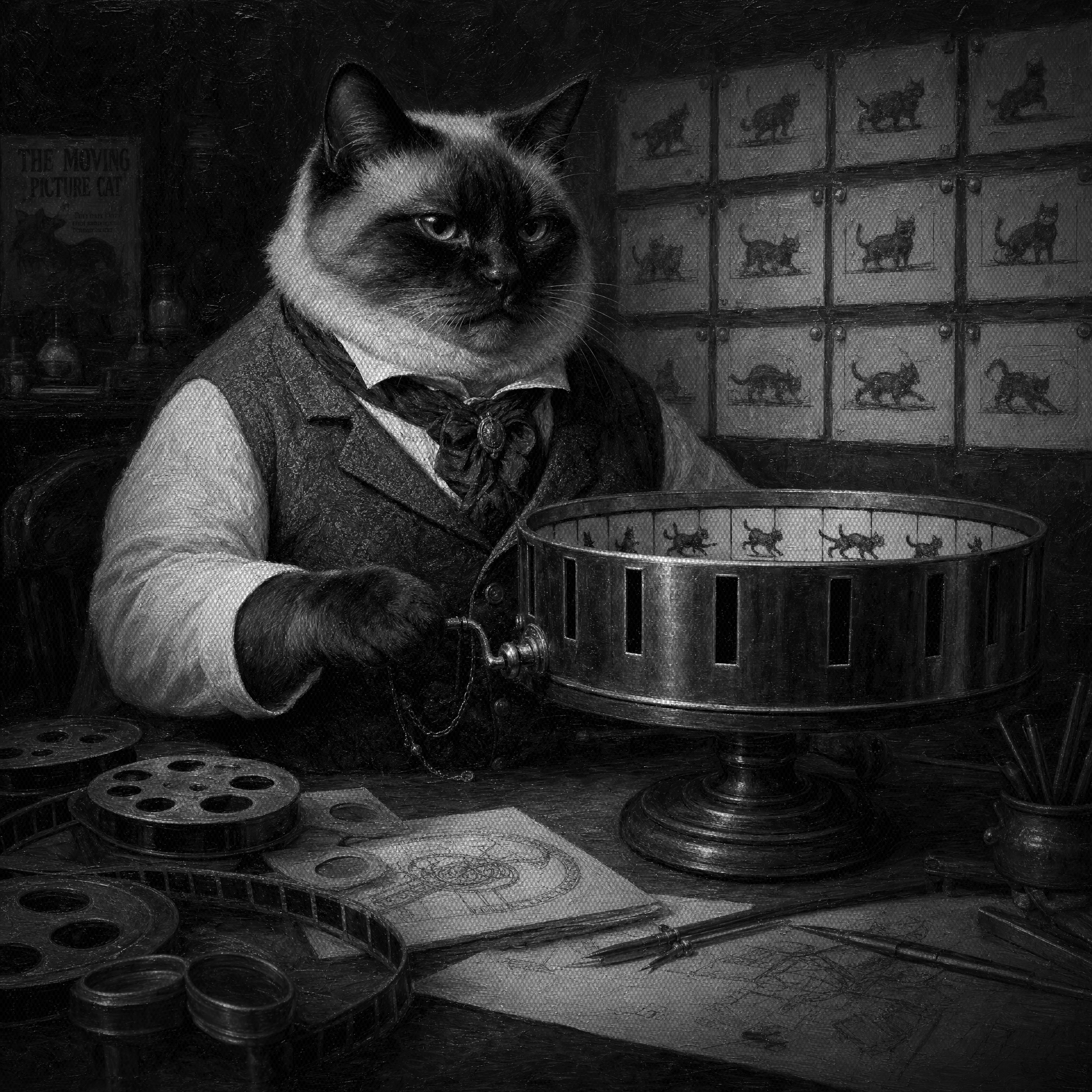
There's a bet underneath all of this, and it's worth making explicit: every tool that serves this website lives in the same pnpm monorepo. The Next.js site is apps/web. The Remotion scenes and their kit are apps/remotion. The image generation API that painted this post's Victorian cat hero is apps/imagen. The skills sit in .agents/skills/, the ADRs in docs/adr/, all in one repo, all in one checkout.
We could have split these into a scene package on npm, an image service in its own repo, a shared design-tokens library. That's the respectable architecture. We went the other way on purpose, because an agent is only as good as what it can see, and cross-repo boundaries are exactly where agents go blind.
A new scene makes the case. It touches the composition in apps/remotion, the studio and player registrations, the embed mapping in apps/web/src/components/mdx/remotion-scenes.ts, and the MDX page that hosts it. In one repo, that's one Claude Code session holding the whole change in a single context and shipping it as one PR. Split across repos, it's a package publish, a version bump, and an agent working on half a change it can't verify end to end.
Co-location is also the only reason "the skill and the kit move together" is enforceable at all. The skill text, the kit code it points at, and the ADR that justifies both can change in the same commit. Two repos means two PRs and a window where the skill describes an API that no longer exists.
Git worktrees make the whole thing parallel: each branch gets its own checkout under .worktrees/ with its own local URL, so three agent sessions can build three scenes at once without touching each other. The blog you're reading came out of the same machine: drafted by Claude Code in this repo, hero generated by apps/imagen one directory over, scenes served by @remotion/player from apps/remotion. Concentrating the bets is the point. Everything the agent needs to see is in the one place it's already looking.
Anatomy of the skill file
The skill is one markdown file, currently at version 1.5.0. Two parts matter: the trigger and the rules.
The trigger has to be aggressive
The description frontmatter is what Claude Code matches against, and we learned to write it like a tripwire, not a summary:
A polite one-line description gets skipped on adjacent tasks: the agent decides a "quick easing tweak" isn't really scene work and hand-rolls a curve. Naming every task type explicitly, twice, is what makes it fire reliably.
The rules point at code, not at taste
Each hard rule pairs a prohibition with the kit component that satisfies it. The first rule sets the tone:
The agent never has to interpret "keep it consistent with the other scenes". There's a compliant component for every surface, so the shortest path is the correct one.
Motion works the same way. Scenes name what a movement means, never which curve it uses:
| Role | Curve | Duration | Used for |
|---|---|---|---|
enter | out-quint | 0.5s | Builds, reveals, responses |
exit | in-cubic | 0.3s | Clears, dismissals (exits are quicker than enters) |
move | in-out-cubic | 0.6s | Focus swaps and repositions |
sweep | linear | rate-based | Pulses, typing, progress |
In scene code that's MOTION.ease.enter, never "out-quint". When the feel needs retuning, it's one token edit and a render pass instead of sixteen scene rewrites. The same table carries typing cadences (a human types at 14 jittered characters per second, a streaming agent at 30) and blur strengths, because counters here blur with velocity instead of pulsing in scale.
The rules didn't come from a style guide exercise. A grep across the ten shipping scenes found the convention already there: 56 out-quint enters, 44 in-cubic exits, with five outliers confined to one scene. The kit ratified what the scenes had converged on and made the outliers impossible.
The ADRs close the debates
Every contested call has an architecture decision record: why panels are frosted, why the tick animation never runs backward, why panel bodies stream in document order like an HTML page loading. The ADRs mark rulings as final, which matters more for agents than for people. Without a written ruling, a future session will helpfully reintroduce drop shadows because they "add depth".
The workflow, start to finish
A new scene today: we describe the story beats in a prompt, the skill fires, Claude Code composes from the kit, and a reviewable scene exists in under ten minutes. It ships the full contract in one pass: wide and square variants, dark and light themes, a reduced-motion still frame, an a11y label, and a clean loop where frame 0 matches the final frame.
Some scenes one-shot. A couple running on the site right now came from a single prompt with no fix rounds. The honest pattern is iterative but fast: a round or two of notes, still nothing like the pre-kit effort.
Don't take our word for it, the git history tells the story on its own. Here's every scene in the repo, with commits touching it as a rough proxy for iteration (agent time per scene stays in the ten-minute range; commits are the review rounds around it):
| Scene | Lives on | First commit | Commits | Days touched |
|---|---|---|---|---|
| agent-chat | Sanity | 2026-05-29 | 6 | 4 |
| achievements | Sanity | 2026-05-29 | 9 | 7 |
| pr-flow | Agentic websites | 2026-05-30 | 4 | 3 |
| byo-agent | Agentic websites | 2026-06-02 | 5 | 4 |
| own-content | Agentic websites | 2026-06-02 | 4 | 3 |
| rails-vs-drift | Agentic websites | 2026-06-02 | 4 | 3 |
| agent-evals | Agentic workflows | 2026-06-09 | 5 | 4 |
| content-pipeline | Agentic workflows | 2026-06-09 | 4 | 3 |
| lead-enrichment | Agentic workflows | 2026-06-09 | 5 | 3 |
| monitor-agent | Agentic workflows | 2026-06-09 | 4 | 3 |
| ab-variants | Contentful | 2026-06-11 | 2 | 1 |
| seo-recovery | Contentful | 2026-06-11 | 3 | 1 |
| commerce-stack | Shopify | 2026-06-11 | 3 | 1 |
| enquiry-or-checkout | Shopify | 2026-06-11 | 2 | 1 |
| shopify-migration | Shopify | 2026-06-11 | 3 | 1 |
| speed-race | Shopify | 2026-06-11 | 5 | 1 |
The dividing line is 2026-06-09, the day the kit and the skill landed in a single PR alongside the four agentic workflows scenes. Before it, a scene meant days of calendar time and up to nine commits. Two days after it, all six remaining scenes shipped in a single day each, across three different service pages. If anything the table flatters the old way: the pre-kit scenes' counts also include the one-pass kit migration commits, not just their own builds.
And the inverse holds. The two scenes on our Sanity service page have had more iterations than anything else we've made: nine commits over seven calendar days for one of them, plus plenty of prompt rounds that never reached git. They're also the originals, the pair that helped us formulate the language everything else now mirrors. When a scene articulates something important, don't rush it.
One tool deserves specific credit for the consistency work: grill-with-docs (opens in new tab), from Matt Pocock's skills collection. It interrogates a plan one decision at a time and validates every claim against the source of truth before any code gets written, which is exactly what visual consistency work needs.
See the north star scenes live. The two animations that started this whole system run on our Sanity service page, clean loops and all.
What it actually costs
The number nobody publishes: one scene consumes close to the entire context window. The skill body, the kit source, the scene being built, and the render feedback loop add up to a session that finishes nearly full.
Right now we don't care. On a Claude Code Max plan the marginal cost of a heavy session is effectively zero, so burning a full window on a ten-minute scene is free money. If you're paying per token through the API, the same workflow has a real price, and slimming the skill or delegating render checks to subagents becomes worth the effort. That optimization is on our list; it just isn't urgent while the economics look like this.
Two failures worth stealing lessons from
We lost shipped work to a registry merge. Remotion scenes register in a central root file, and during a branch reconcile we union-merged two versions of the registry. The merge looked clean, both sides' entries were present, and an entire set of geo animation bands vanished from the services pages anyway. We only caught it later, and had to re-ship them. Registration files are load-bearing code: never union-merge them, reconcile them by hand.
Our first aesthetic call was wrong, and the agent couldn't tell us. We originally mimicked the site's iconography and went for no-text UI skeletons inside panels: abstract placeholder blocks instead of readable content. Implemented, it looked bad. We pivoted to high-fidelity panels with the actual text rendered, because real words articulate what a scene is demonstrating so much better than gray bars. Claude Code executed both directions flawlessly. It had no opinion on which one worked.
That second failure is the important one. The agent composes correctly from the kit every time; whether the result feels right is still a human call. Look at what shipped, cast a critical eye, and be willing to pivot when the implemented version disagrees with the plan.
Build this for your own codebase
The pattern transfers to any domain where an agent produces visual or structural output repeatedly. The order matters:
- Audit the drift first. Grep for font sizes, spacing values, easing curves, radii. Our numbers (14 to 19px for one role, gaps from 2 to 22px) made the case better than any argument.
- Build the kit before the skill. Tokens and primitives in code are the enforcement layer. A skill that describes visuals in prose just moves the hallucination one file over.
- Delete the bad primitives. Don't deprecate the old connector, remove it. Whatever still exists will be used.
- Write the trigger like a tripwire. Name every task type that should fire the skill, including the small ones like "easing tweak" that agents love to classify as not-really-scene-work.
- Pair every rule with its compliant component. "Never hand-roll panel chrome" only works when the next words are "use
Panel". - Record the why in ADRs, and mark rulings final. Agents relitigate anything that isn't written down.
- Move the skill and the kit together. When the kit API changes, the skill text changes in the same PR, or future sessions write against an API that no longer exists.
We migrated all ten shipping scenes to the kit in one pass rather than letting two visual languages coexist. Painful for a week, and it's the reason every scene since has landed on-language.
Where this goes next
The scene kit skill is one of a growing set: we run skills for blog production, SEO context, image pipelines, and our content agents. The Remotion one earns its keep most visibly, because animation is where an unconstrained agent drifts fastest and where consistency is most obvious to a visitor.
The system's real test is boring: the next scene we ship will look like the last one, without anyone reminding the agent about elbows.
No spam, only good stuff
Get the next system write-up